
Disclosure: The featured product was provided at no charge to facilitate this review. All opinions are my own.
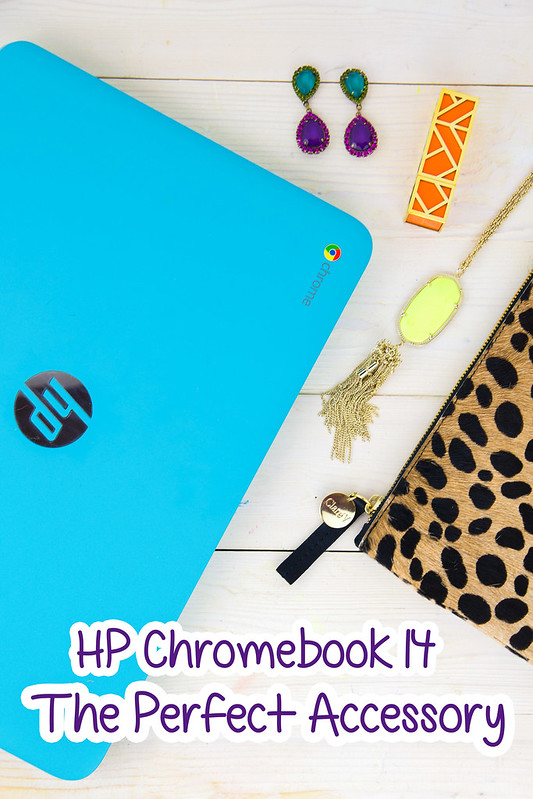
I’ve had my new HP Chromebook 14 from ShopAtHome.com for several weeks now, and one of the things I’ve been most impressed with is its beautiful display. The 14-inch screen is the perfect size for not only browsing the Internet, but streaming movies and viewing photos.
I’m a very visual person, so when I saw the beautiful teal case of my HP Chromebook 14 BetSomali sportsbooks, I thought it couldn’t get much better. Then, I turned it on. The beautiful, bright screen instantly won me over — it has a much larger screen than other Chromebooks, but it is still lightweight enough to carry it on the go.
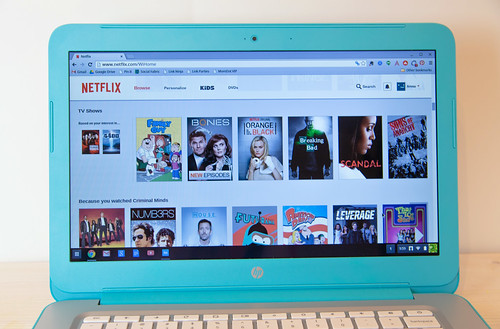
It’s the perfect size for streaming movies or TV shows through Netflix.
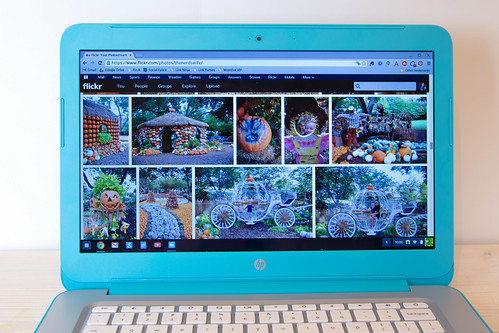
Or for organizing and viewing my photos on Flickr.
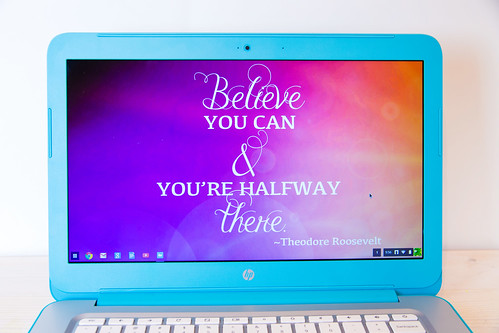
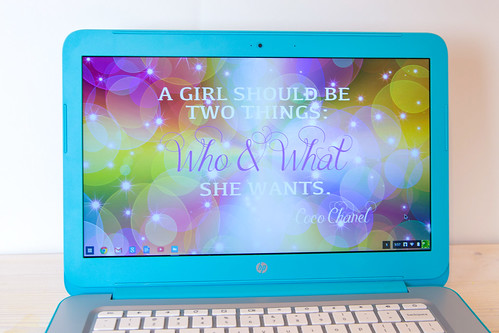
Why not show off the beautiful display with some custom desktop backgrounds, designed exclusively for the HP Chromebook 14?
 Click here to download this custom desktop background.
 Click here to download this custom desktop background.
It’s really easy to install a custom desktop wallpaper on the HP Chromebook 14.
1. Click on your profile icon in the bottom right of the screen, then choose Settings.
2. Under Appearance, click “Set wallpaper.”
3. Click on the Custom tab, then upload your file and select it.
Easy as pie!
Click here to read more about my favorite features of the HP Chromebook 14.
Head over to ShopAtHome.com to get a great deal on HP products, including the Chromebook 14.
What do you mostly use your laptop for?
Ohhh! That looks so awesome. Love the color too.
What a gorgeous color! Teal happens to be my favorite too!!
The vibrant teal case combined with the impressive display makes the HP Chromebook 14 a visual delight. It is perfect for both work and play.
Auto Car Detailing Services in Hampton Bays NY
Great website and what a review chromebook.
I can totally relate to this! A bright, vibrant display makes such a big difference when browsing, streaming, or reading online. The HP Chromebook 14’s larger screen sounds perfect for enjoying content on Cineby Browser while still being light enough to take anywhere.
After using the HP Chromebook 14 for weeks, its bright and vibrant 14-inch display has made everything from web browsing to watching movies a real pleasure, and if you enjoy streaming too, I recommend downloading the free TV Garden APK from its official website for even more entertainment.
The HP Chromebook 14’s bright, vibrant display makes everything look crisp and colorful. Its larger screen is perfect for work, streaming, or browsing without sacrificing portability. I recommend Sportzfy PC For Free Streaming Sports.
The HP Chromebook 14’s bright, vibrant display makes everything look crisp and colorful.
ChatGPT Free
The HP Chromebook 14’s colorful display and customization ideas look really nice. Giving a laptop a personal touch for work, browsing, movies, and light gaming makes it feel more fun to use every day. A clear screen is also great for casual gaming, especially when playing browser games or car parking games, where smooth visuals and controls can make the experience much better. Overall, this Chromebook looks stylish, practical, and enjoyable for everyday use.
What a great review! I really liked how you highlighted the Chromebook’s display and everyday usability. As someone who enjoys traveling, having a lightweight laptop with a clear screen is a huge advantage for planning trips, editing travel photos, and staying connected while on the road. It’s always helpful to read honest reviews like this before choosing a travel-friendly device. Thanks for sharing your insights!
Those custom backgrounds are beautiful! A clear, vibrant screen really changes the whole experience when you’re spending hours online. I usually use my portable setup for managing my weekly schedules and looking up nutrition facts or a Subway sandwich menu online when I don’t feel like cooking. Having that extra screen real estate on a lightweight device makes multitasking so much smoother.
The vibrant 14-inch display really makes a difference for everyday use! Having a clear, sharp screen makes it so much easier when you’re looking up recipes, streaming video, or browsing online before heading out to eat—like when I’m checking the Cheddar’s menu prices and options for dinner. The lightweight design also sounds ideal for carrying around while keeping up with everyday tasks.
Making an AI-assisted draft sound natural involves more than swapping a few words. Sentence rhythm, transitions, repetition, and audience expectations all need attention. An AI humanizer can help reshape stiff passages into smoother language across Spanish, Portuguese, English, and Japanese, but it should remain part of an editing process rather than the final authority. A careful review should confirm that the revised version preserves the original meaning, uses the right terminology, and does not introduce unsupported claims while improving tone.
Large PDF files can be inconvenient when an email service, application form, or learning platform imposes an upload limit. ComprimirPDF addresses that practical issue by reducing file size directly in the browser, without registration or transferring the document to a server. Local processing is especially relevant for documents containing personal, financial, or work-related information. A sensible workflow is to keep the original file, compress a copy, and then check the text, images, and page order before sharing it.
Screen size matters when editing, but the information shown on that screen matters just as much. A contador de caracteres can provide immediate limits for titles, descriptions, forms, and social posts while the text is still being drafted. Combining that count with sentence analysis, keyword distribution, readability, and rhythm gives writers a broader view than a simple total alone. This is especially helpful when a passage must be concise without becoming abrupt or losing its intended meaning.
The strongest use of content automation is coordinating decisions across the full lifecycle of an article. RankOps AI combines site-fit keyword discovery with editable drafting, review, approval, and connected publishing. Keeping the draft editable matters because search intent and content quality cannot be settled by generation alone. Editors still need to refine scope, verify claims, remove repetition, and decide whether the page belongs on the site. A defined approval step also creates a useful boundary between content that is merely generated and content that is ready for readers, while connected publishing reduces manual handoffs after that judgment is complete.
Turning an AI-assisted draft into publishable content requires more than swapping a few phrases. An effective AI text humanizer should improve sentence rhythm, remove repetitive patterns, clarify transitions, and preserve the writer’s intended meaning. It should also leave the result easy to edit, since tone and audience expectations still require human judgment. That combination makes the process useful for creators, marketers, and content teams that want a cleaner first revision without surrendering control of the final article.
Writers working with Japanese text often need more than a basic character total. 文字数カウント also measures lines, paragraphs, 400-character manuscript pages, and byte length in both UTF-8 and Shift_JIS. That combination is useful when preparing manuscripts, form submissions, metadata, or text for older systems with strict encoding limits. Real-time calculation keeps the editing process simple, while local browser processing is an important privacy feature for drafts that should not be uploaded to a server.
The HP Chromebook 14 stands out with its bright, spacious display and lightweight design, making every visual feel more immersive whether you’re working or relaxing, and for entertainment on the go, visit CineHD to enjoy a premium free streaming experience on iOS.
A larger, bright display definitely makes a difference when you’re working with visual content, especially when viewing photos or creating custom wallpapers. I also like the idea of matching the desktop background to the device’s design for a more personalized setup. For people who enjoy creating and improving visual content, Editing Prompt Photos can provide inspiration for experimenting with photo styles and AI-assisted image enhancements.
Readable lists depend on more than indentation: the mark itself signals whether an item is an action, a category, or supporting detail. A bullet point symbol provides a familiar visual cue, but a smaller separator can be better for short inline facts. Having clearly named options helps people choose intentionally instead of copying a random character whose appearance changes across fonts and devices.